Woof Watch turns a spare iPhone into a dog monitor that answers in your voice.
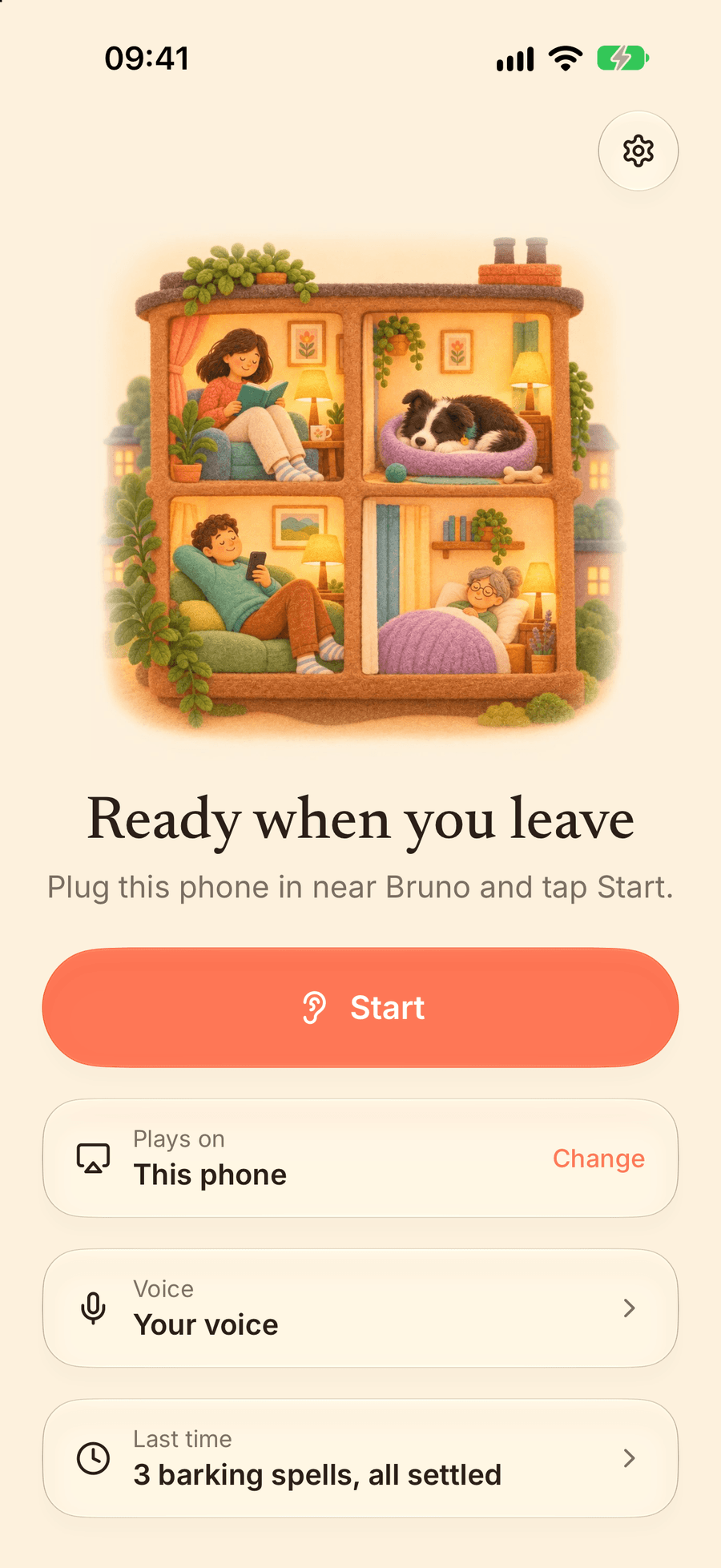
Woof Watch listens for barking on a spare iPhone or iPad left at home. It responds with a familiar voice, follows up if the barking continues and plays praise after a quiet spell. We designed and built the product around that sequence, from the illustrated identity and recording experience to on-device sound recognition, local history and a multilingual website and store presence.
- Product concept & UX
- Identity & illustration
- Native iOS & iPadOS
- Sound recognition
- Voice & audio
- Localisation
- ASO, SEO & AEO
A watchful dog gives the product its character.



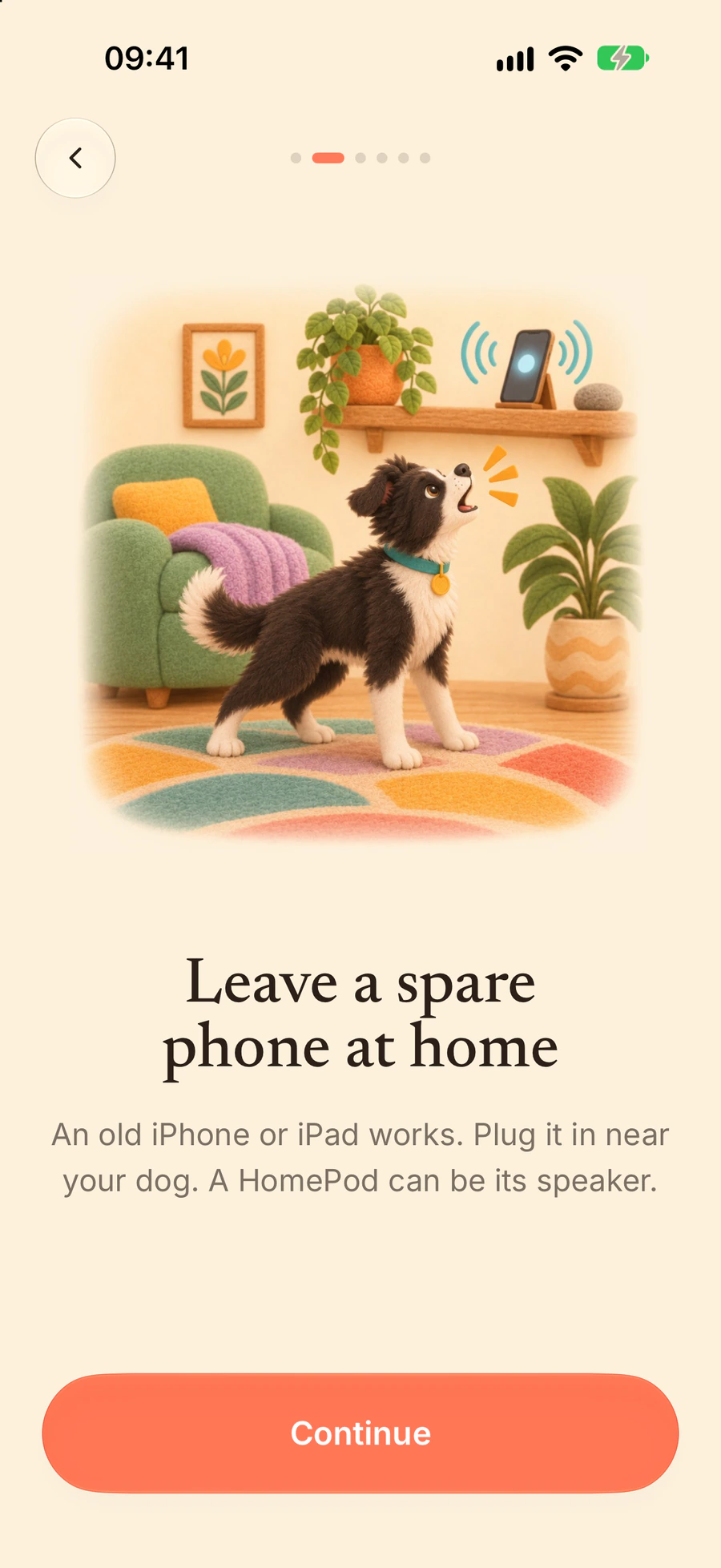
The border collie has one blue eye and one brown eye, with a paw raised in a quiet gesture. That small expression carries the premise into the app icon. Newsreader’s serif lettering gives Woof Watch its wordmark and the product’s headlines.
We developed a soft, textured illustration set around the same dog and home: hearing a bark, recording a phrase, playing it through a speaker and settling down. Warm coral controls, pale backgrounds and familiar domestic details carry that character through the native app, website and store artwork.
The same dog, room and objects explain each step.
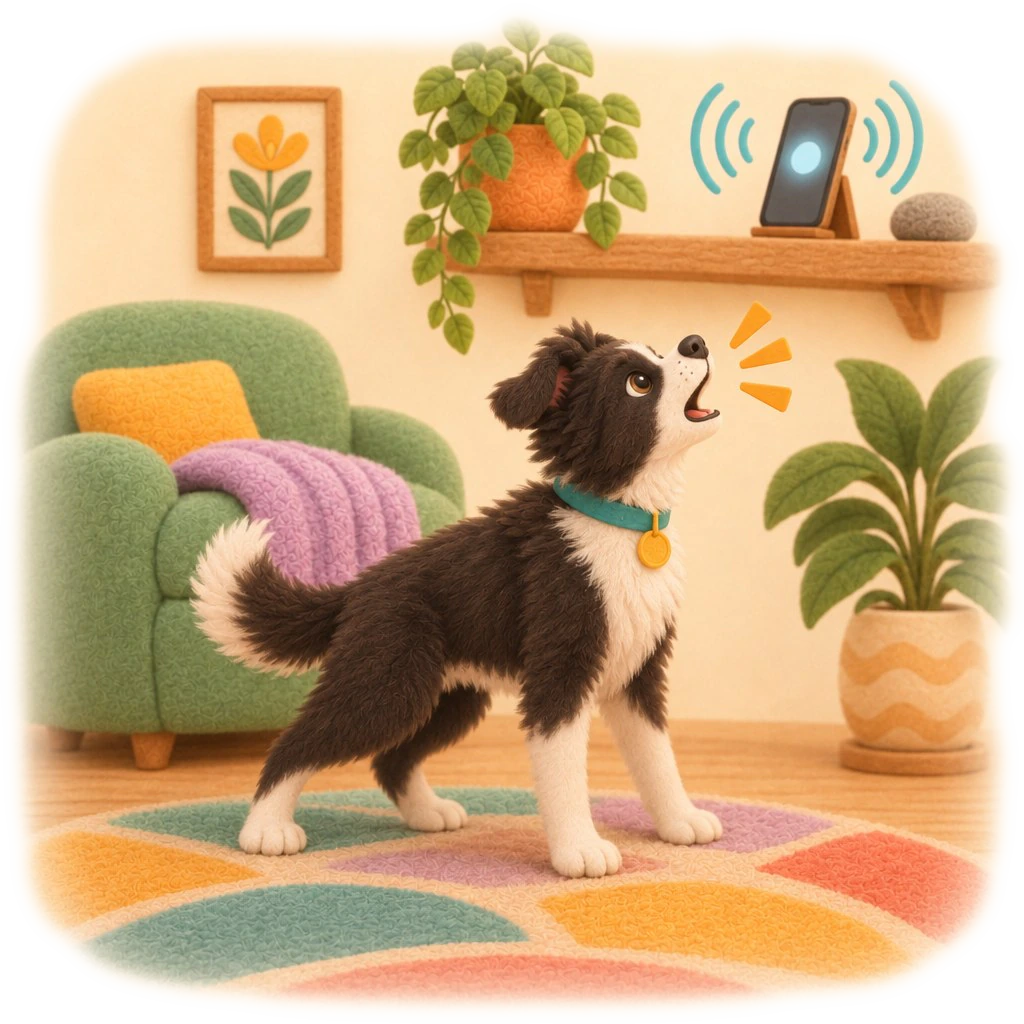


The illustrations also do practical work in onboarding. The phone, speaker and dog keep their roles from scene to scene, so an owner can see where to place the device and what will happen when it hears barking. The smaller response illustrations continue the story inside the phrase-recording controls.
Three phrases, recorded in a voice the dog knows.
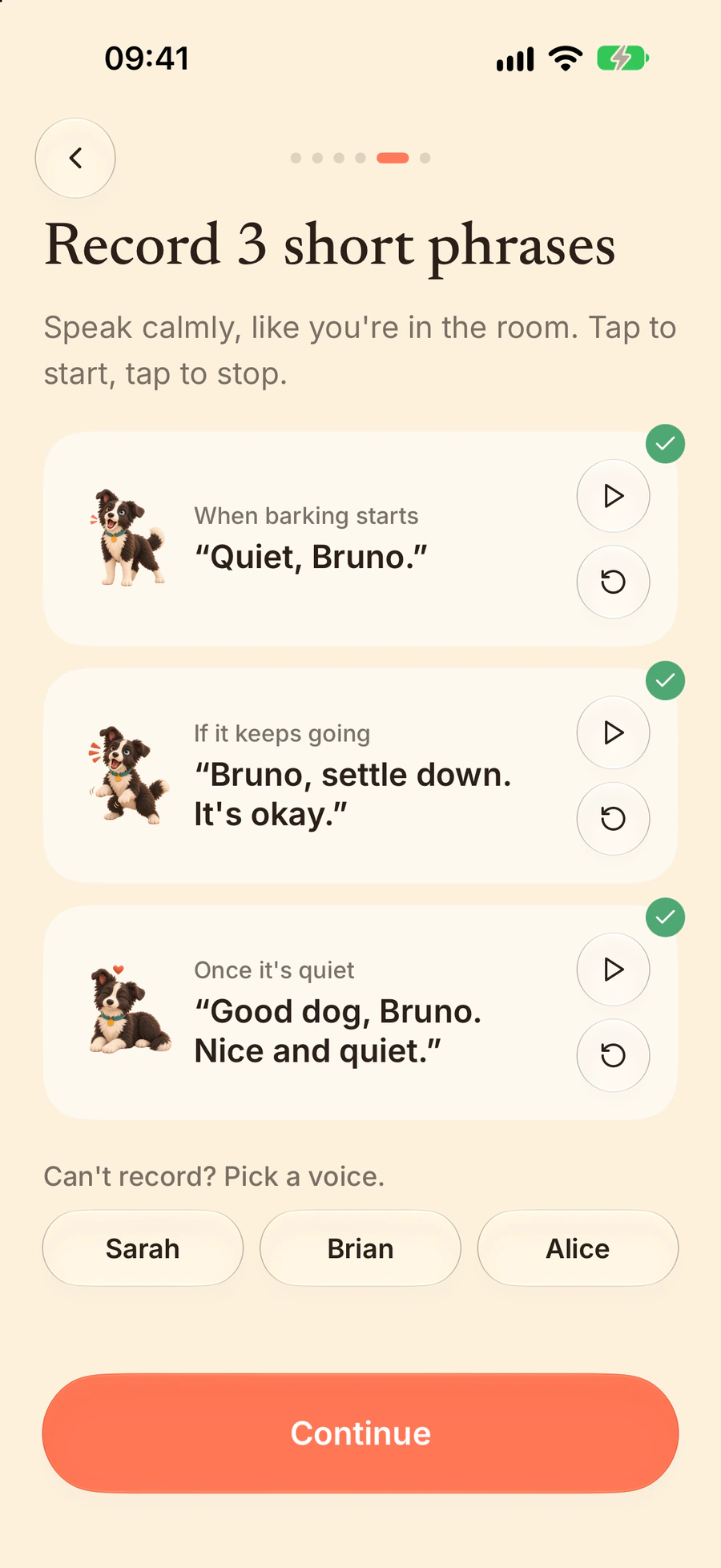
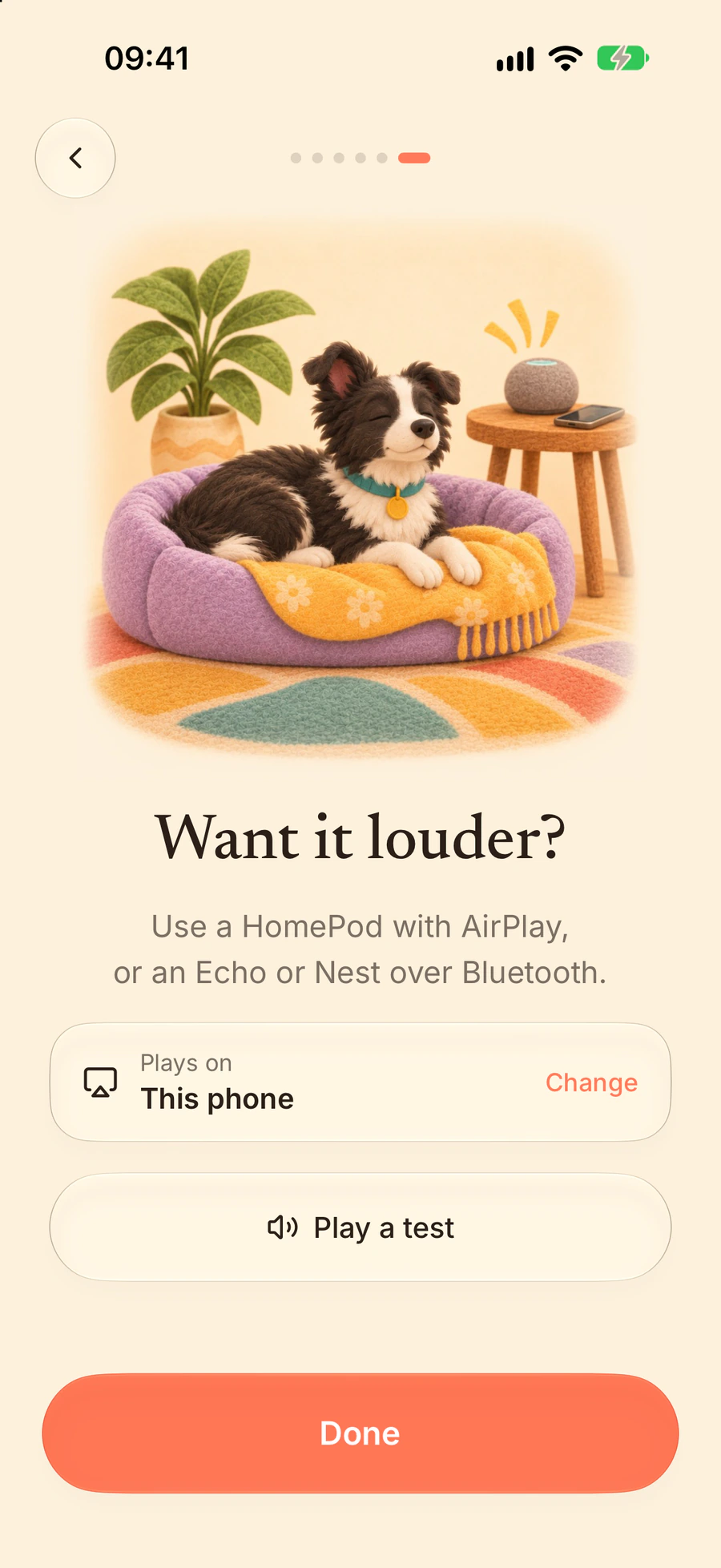
The setup asks for three short phrases: one when barking begins, another if it continues, and praise once the dog is quiet. Owners can use their dog’s name and their own words, listen back, then test the speaker before leaving.
We built audio preparation into the recording flow. Silence is trimmed, low-frequency rumble is filtered and loudness is normalised on the device. The processed phrases stay on the phone, ready for playback without a network request.
Sarah, Brian and Alice offer three ready voices. Their phrases are bundled with the app and selected for the interface language. The same response sequence works with a personal recording or a ready voice, through the device speaker, AirPlay or Bluetooth.
Listening, responding and knowing when to pause.
Recognise dog sounds
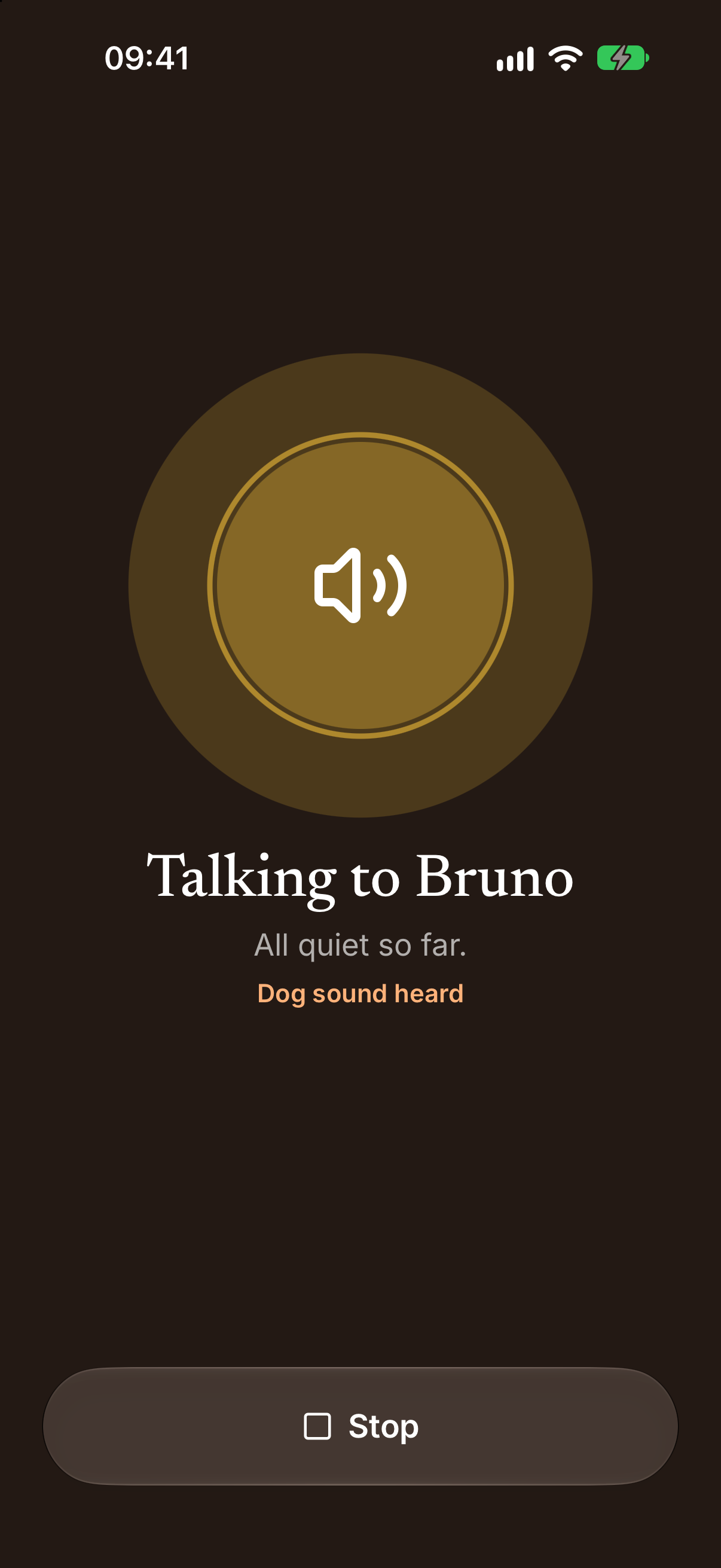
Apple SoundAnalysis classifies microphone input on the device. Sensitivity and repeated detections determine when a barking spell starts.
Play a familiar response
The first phrase responds to barking. A second settling phrase follows if the spell continues; playback is limited to four phrases.
Leave room for quiet
The system ignores its own playback’s echo tail and rests for three minutes after reaching the phrase limit.
Praise and record the outcome
Twenty seconds of quiet triggers praise. The app records the spell’s duration, phrase count and settled status.
The response logic sits between sound classification and audio playback. A single uncertain sound should not start a conversation with the dog, and the app’s own speaker should not keep that conversation going. We connected confidence thresholds, repeated detections, playback state and quiet timers into one listening system.
The native audio work includes recovering from interruptions and changes of speaker route. Live microphone activity and detection feedback make the listening state visible, while power and volume prompts help owners prepare the spare device. The screen dims during a watch and stays awake with the app open.
Ambient sound is analysed on the device without saving an audio recording. Personal phrases and the event log are stored locally. This keeps the core listening and response loop independent of cloud audio processing.
A readable account of what happened while you were out.
We designed the history around complete barking spells. Each entry brings together the start time, duration, number of phrases and outcome; the home screen summarises recent activity. Owners can return to a watch and understand what the app heard and how it responded.
History stays on the device and can be cleared from settings. The interface gives the sound system an understandable record without turning the home into a recorded audio feed.
The interface, the voice and the explanation travel together.
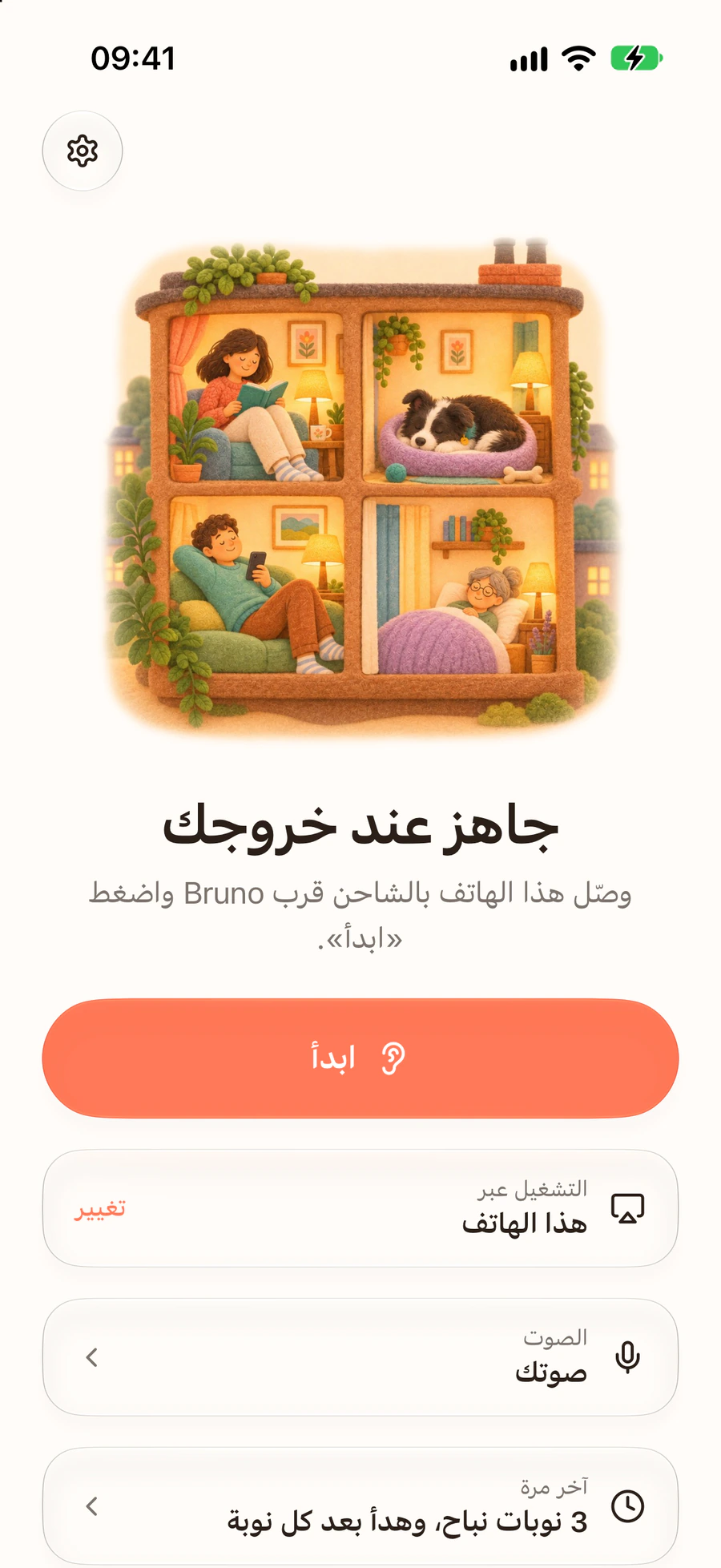
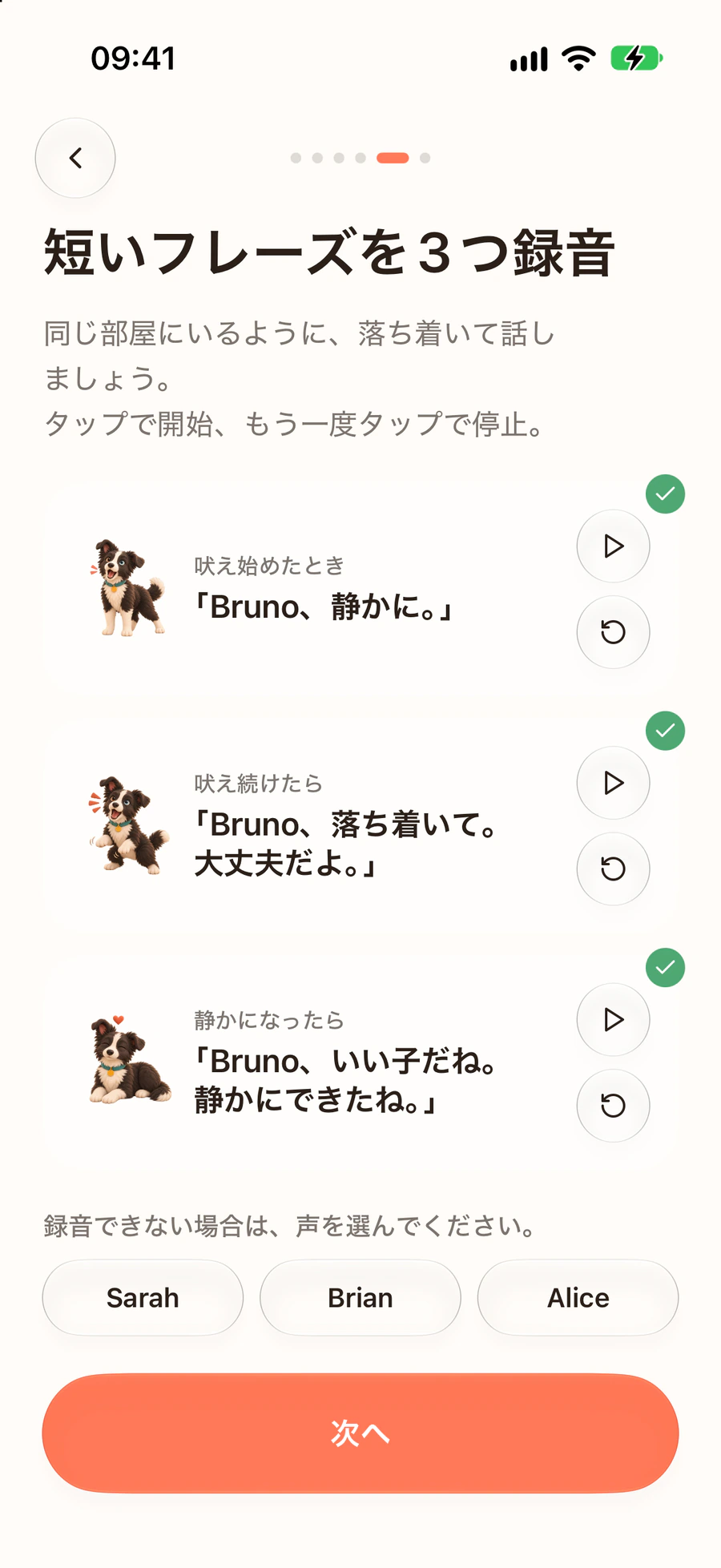
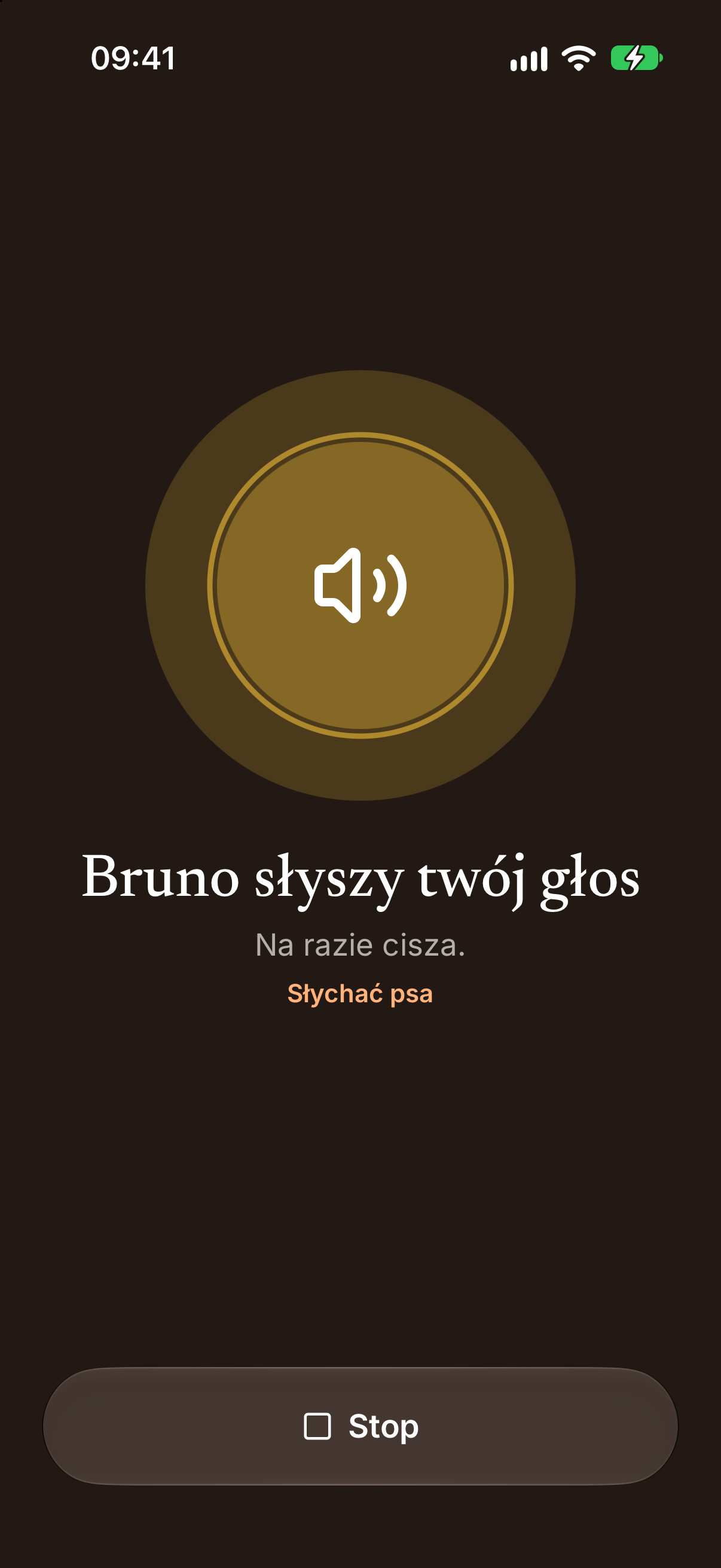
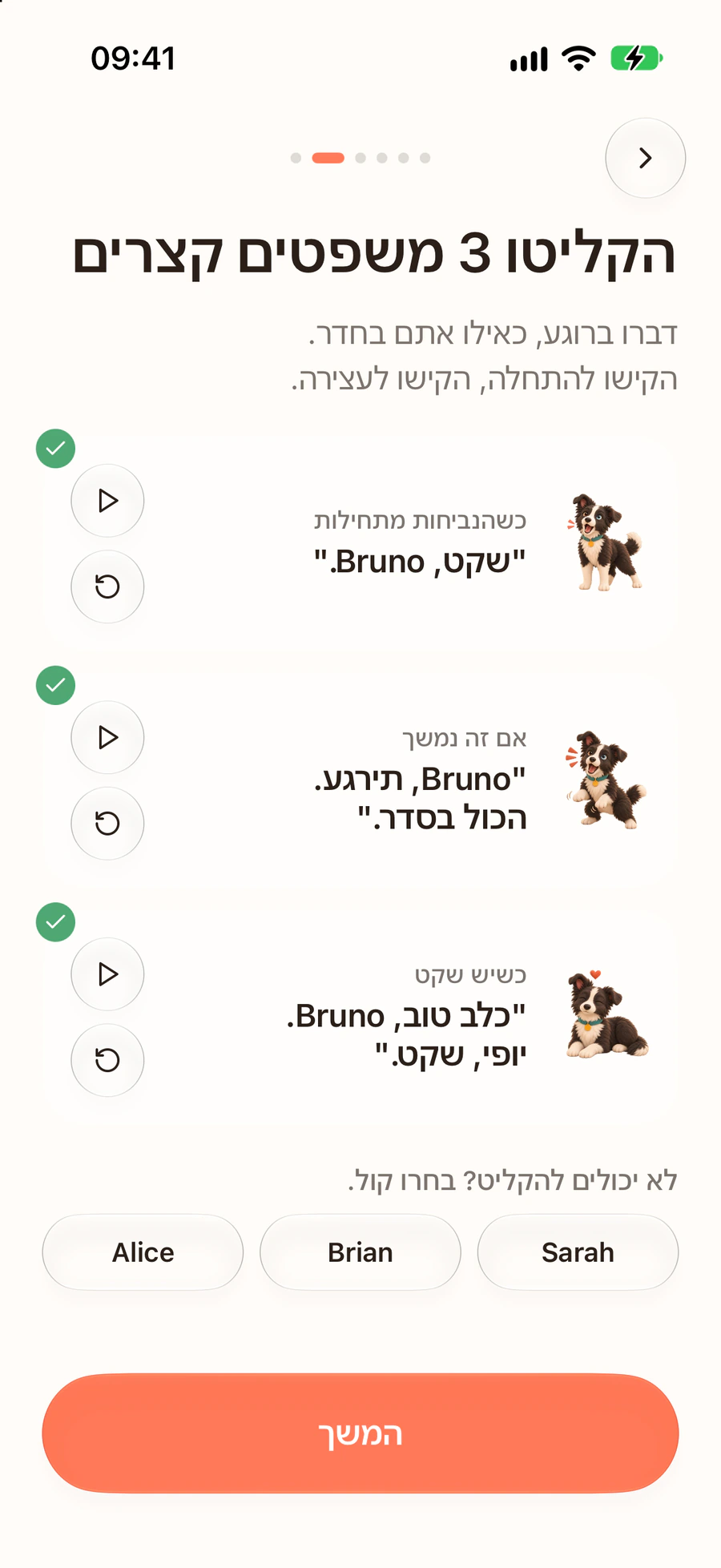
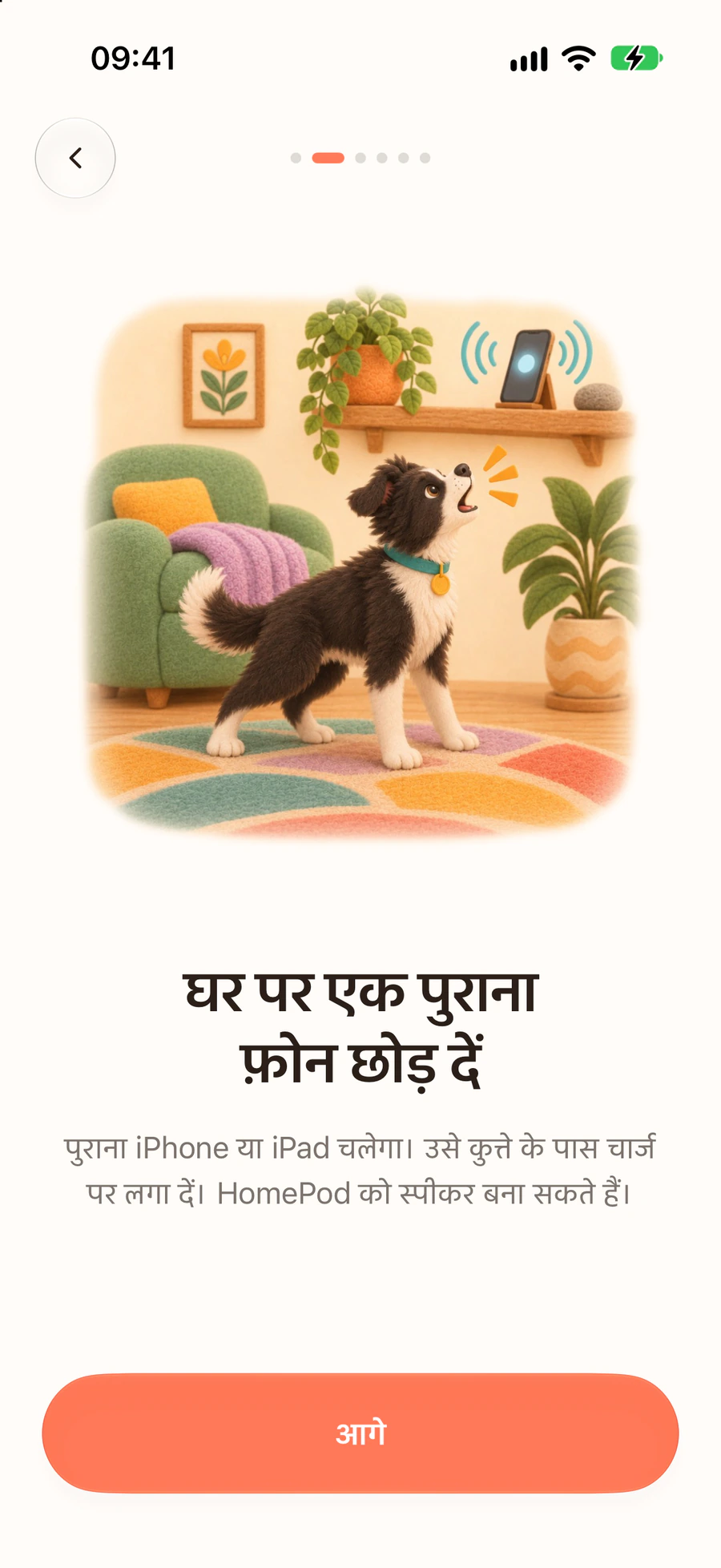
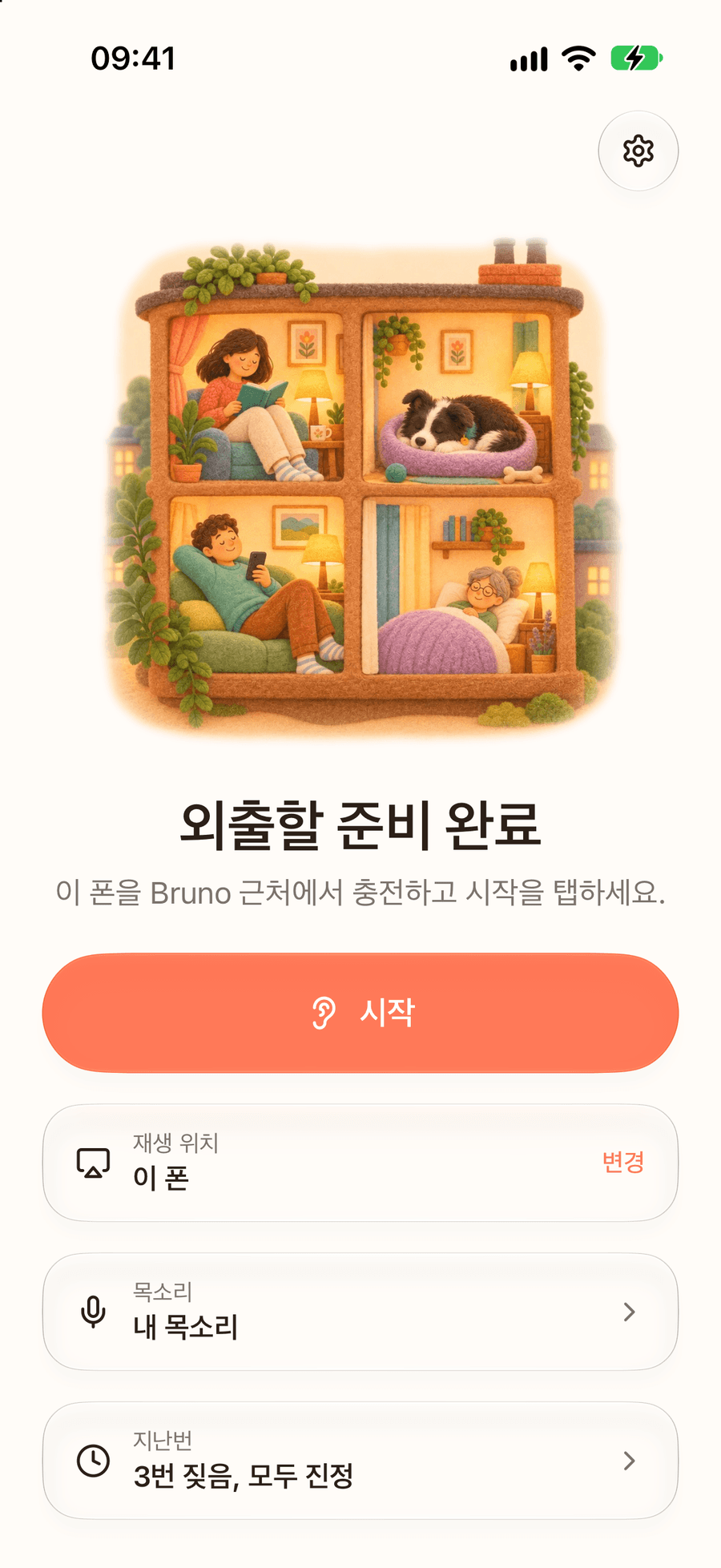
Localisation reaches into the spoken experience. A translated button needs to lead to an appropriate phrase, a clear recording prompt and a response the owner understands. We connected the native language catalog, bundled voice files and store copy, while keeping personal recordings available in the owner’s own words.
The website has 46 language versions, with localised product explanations, support and legal pages. Store artwork and metadata are adapted separately, including titles, subtitles, search terms and subscription descriptions. Layout checks cover text expansion, script coverage and reading direction.
Show the voice, the watch and the result of a session.
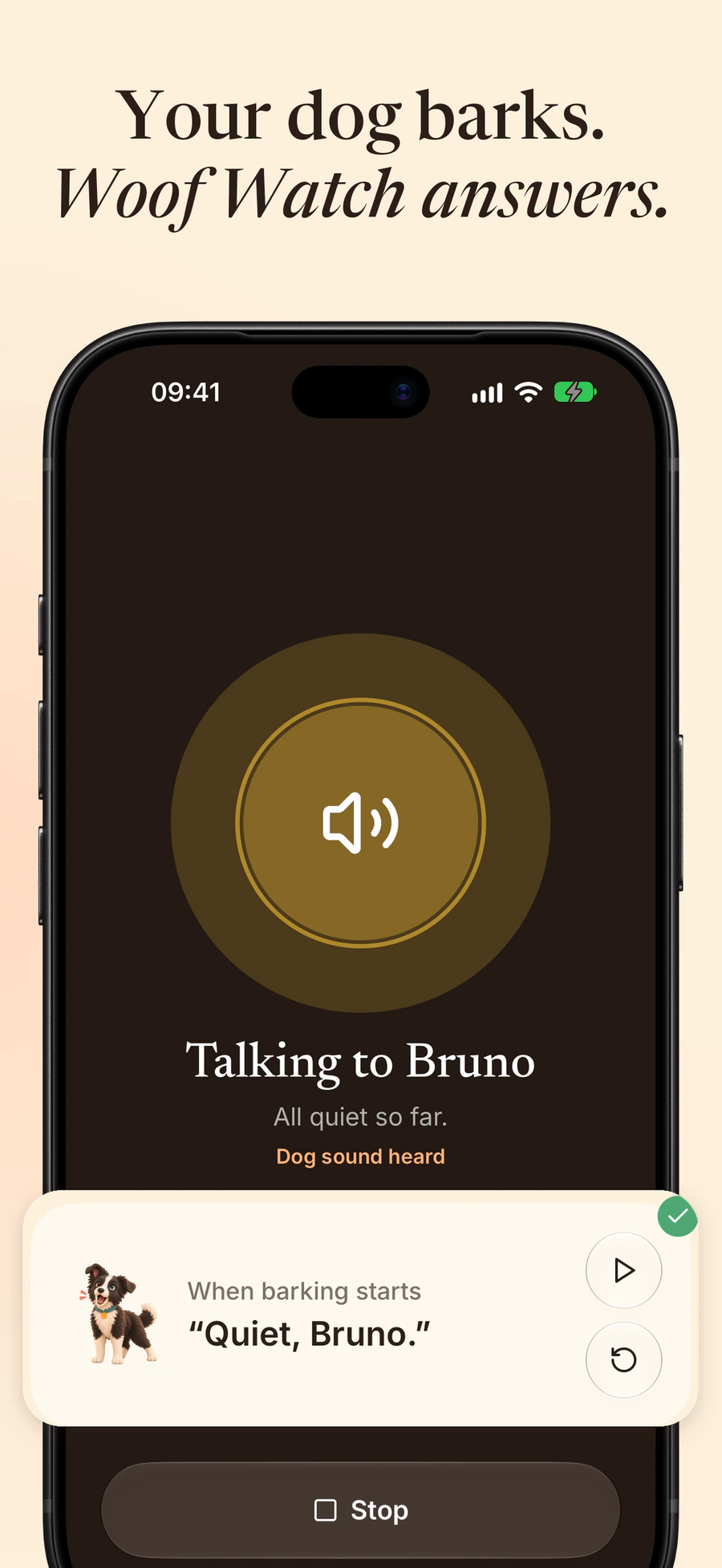
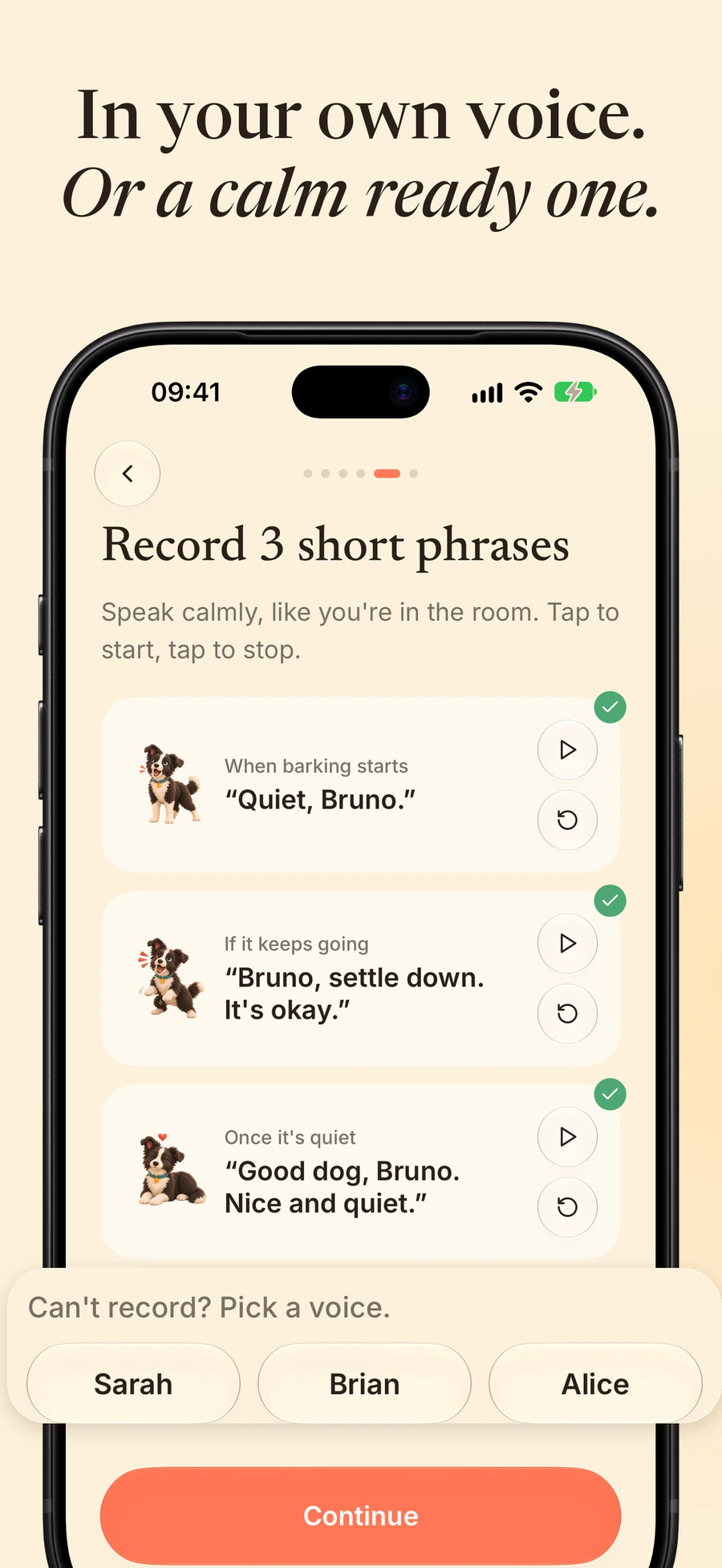
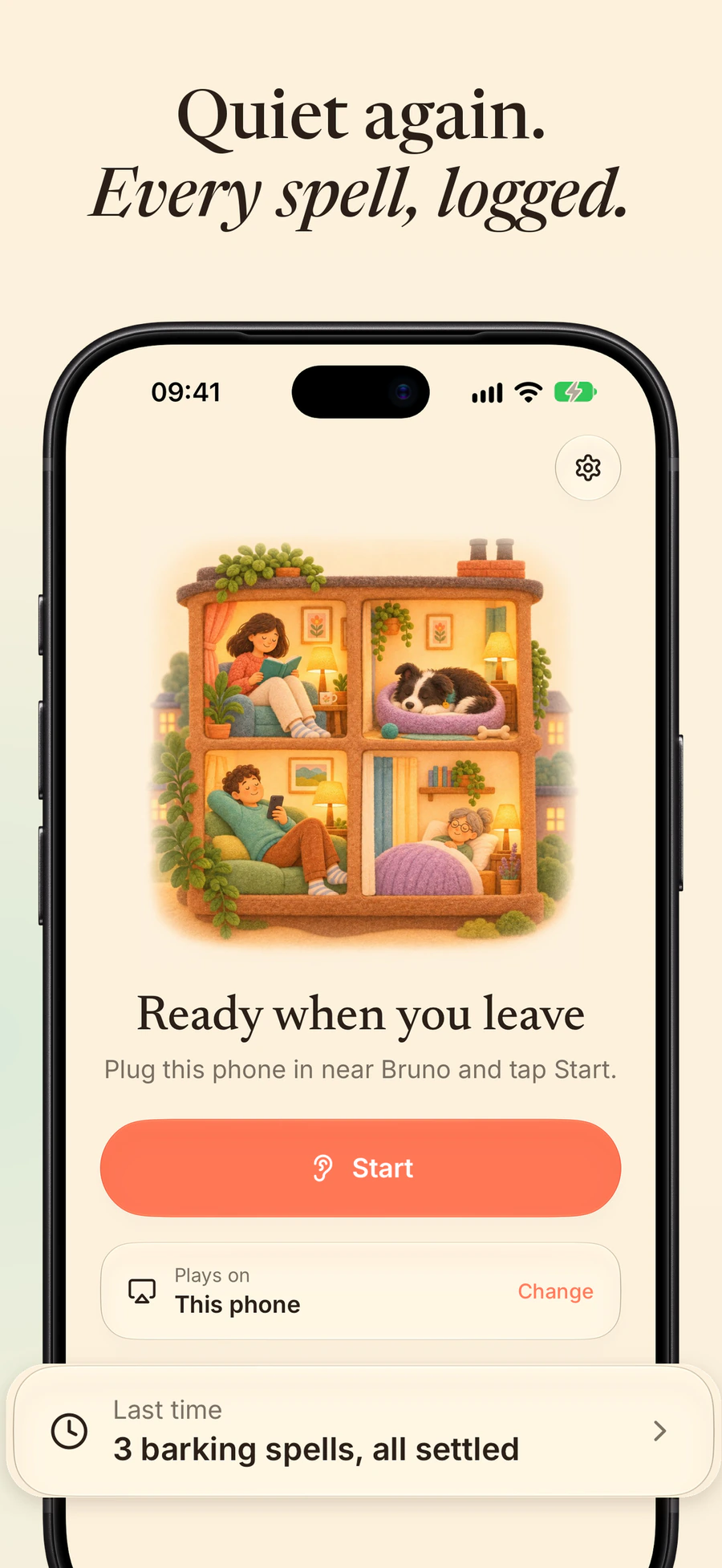
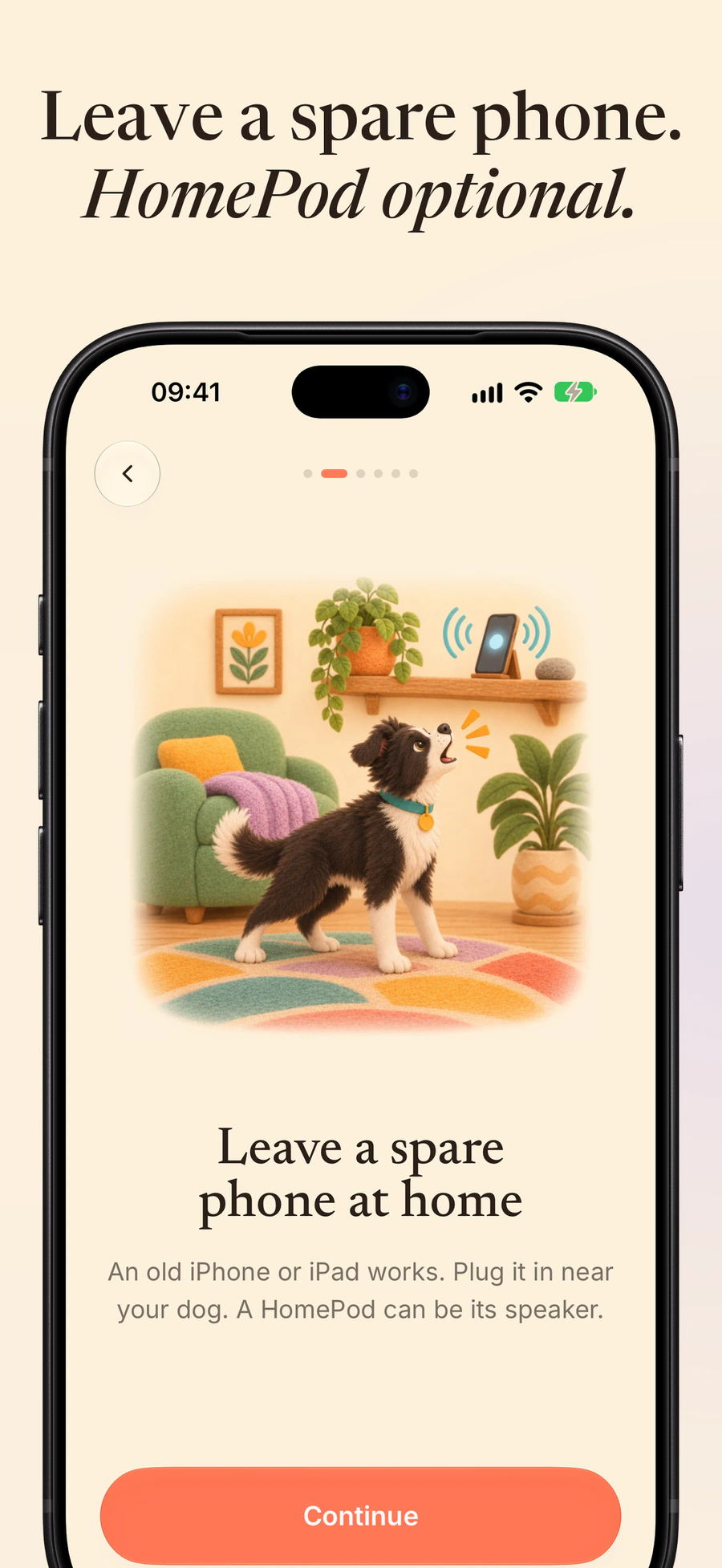
The store sequence makes the product concrete: leave a spare phone at home, choose or record a voice, start listening and review the barking history. The dog illustration and editorial typography connect those screens to the identity, with room for the interface to remain legible.
ASO work covers the name, subtitle, keywords, descriptions and visual sequence across storefronts. Research into dog-monitor and barking-related searches informs the wording. The listing leads into the same setup and response experience shown on the website.
Explain the product before asking someone to install it.
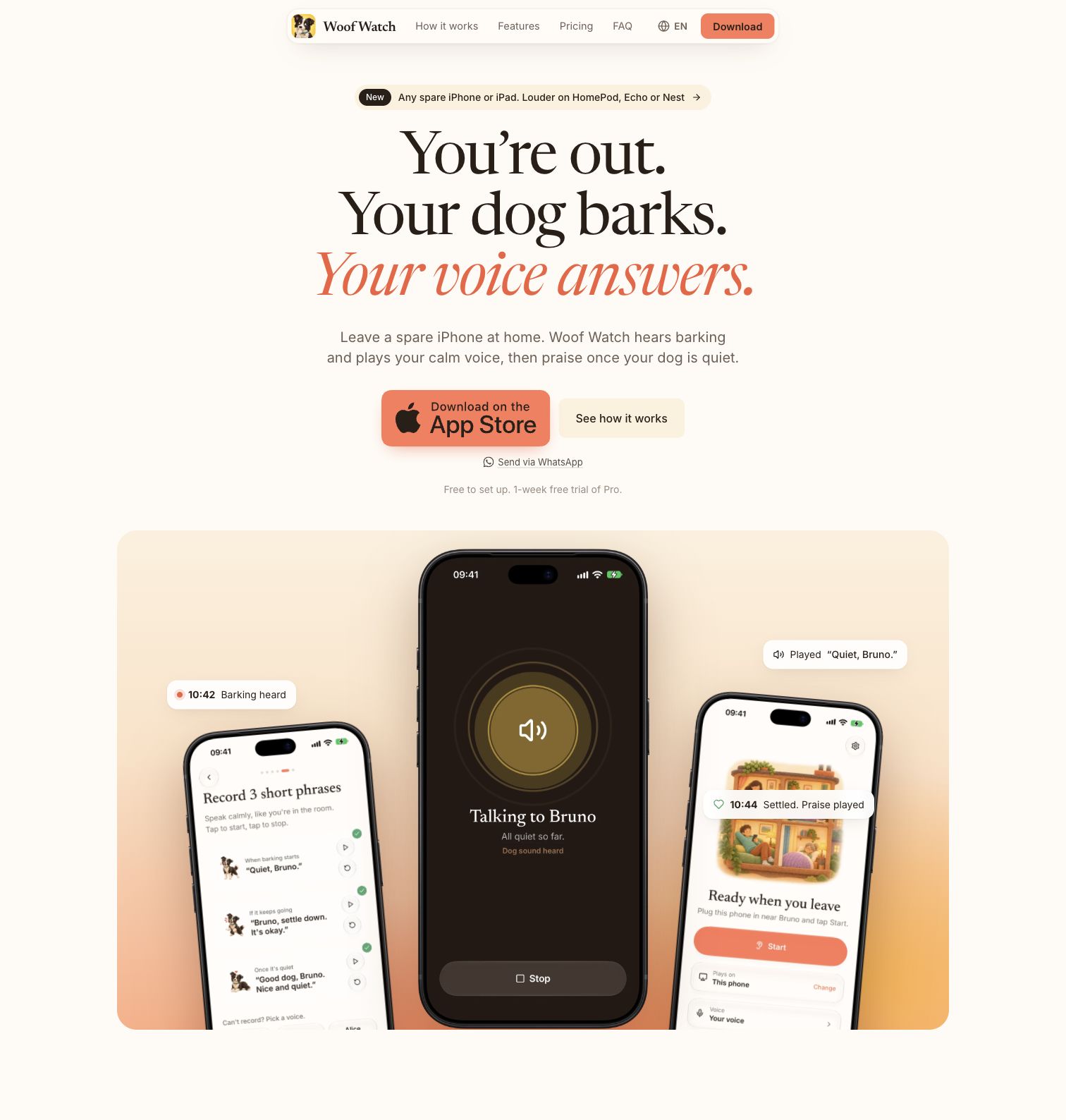
The website carries the illustrated identity into a complete product explanation. Native screens show recording and listening, while a visual timeline explains the sequence from barking to a response and praise. Download links and a desktop QR code give visitors a direct route to the iPhone app.
We connected the price display to App Store market data, so visitors can select their storefront and see its currency and subscription prices. Language and storefront remain separate choices.
Discoverability extends to practical guides on using an old iPhone as a dog monitor, understanding barking while away and comparing monitoring products. Crawlable pages, canonical URLs, language annotations, structured product information and llms.txt support search and AI discovery. These pages explain the setup, behaviour and limits of the product alongside the download.
See Woof Watch for yourself.
Talk through your product with us.
Twenty-five minutes to discuss what you want to build, who it is for and what a useful first release could include.